Journal
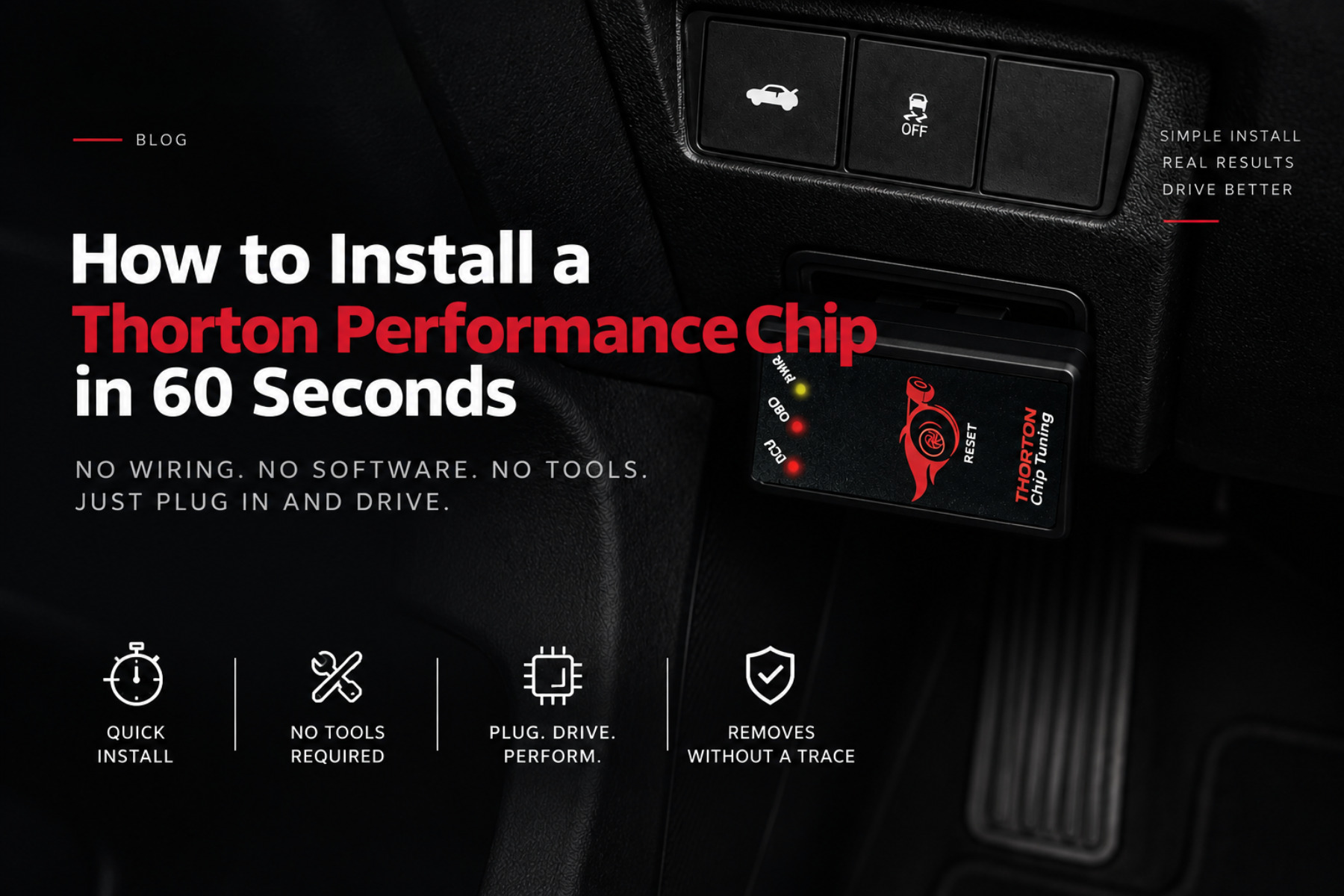
A Thorton performance chip installs in about a minute: locate the OBD2 port under the dashboard, plug the chip in with the engine off, then start the vehicle. There is no wiring, no software and no tools. This guide covers where to find the port on different vehicles, what the chip’s lights tell you, what to expect on the first drives, and how to remove it cleanly.
Every car and light truck sold in the US since 1996 has a 16-pin trapezoid-shaped OBD2 port within about three feet of the steering wheel. On most vehicles it is under the dashboard on the driver’s side, just above the pedals or beside the hood release. Some are behind a small hinged cover, and some European cars put it beside the centre console or under the ashtray.
If you cannot find it, the owner’s manual index lists it under “data link connector” or “diagnostic connector”.
The connector only fits one way. Line up the wider edge with the wider edge of the port and push until it seats. It should sit firmly with no wobble. The chip is small enough to stay in place permanently, and on most vehicles the cover still closes over it.
Start the engine as normal and let it idle for a minute. The chip’s LEDs will light as it establishes communication:
If only PWR lights, turn the engine off, unplug the chip, wait ten seconds, reseat it and start again. If OBD or ECU still do not light after two attempts, contact support with your vehicle details; live support runs 8am to midnight EST on 762-235-7265.
The chip learns from live engine data, so it needs a few normal drives to settle into your vehicle and your driving style. Drive as you usually do: a mix of city and highway over the first tank of fuel is ideal. You will typically notice sharper throttle response first, then stronger mid-range pull as the chip fully adapts. Fuel economy gains show up over a full tank, not a single trip, and only if you drive the way you did before.
If you want numbers rather than impressions, log a baseline with the Performance Analysis Kit before you install the chip and repeat the same route afterwards.
Every Thorton chip has a small RESET button. Use it if you change stage, move the chip to another vehicle, or after major engine work such as new plugs or injectors. Press and hold it for a few seconds with the engine running and the chip will clear its learned values and start adapting again.
Turn the engine off, pull the chip straight out of the port, and the vehicle returns to its factory settings immediately. There are no stored codes and nothing is written to the ECU, so a dealer’s diagnostic tool sees a completely stock vehicle. This is what we recommend before any warranty service; see Does chip tuning void your warranty?.
Still stuck? Email or call support, or use the contact page. If the chip is not right for you, the 30-day trial applies from the date of purchase.
Find your vehicle and see your gains in seconds.

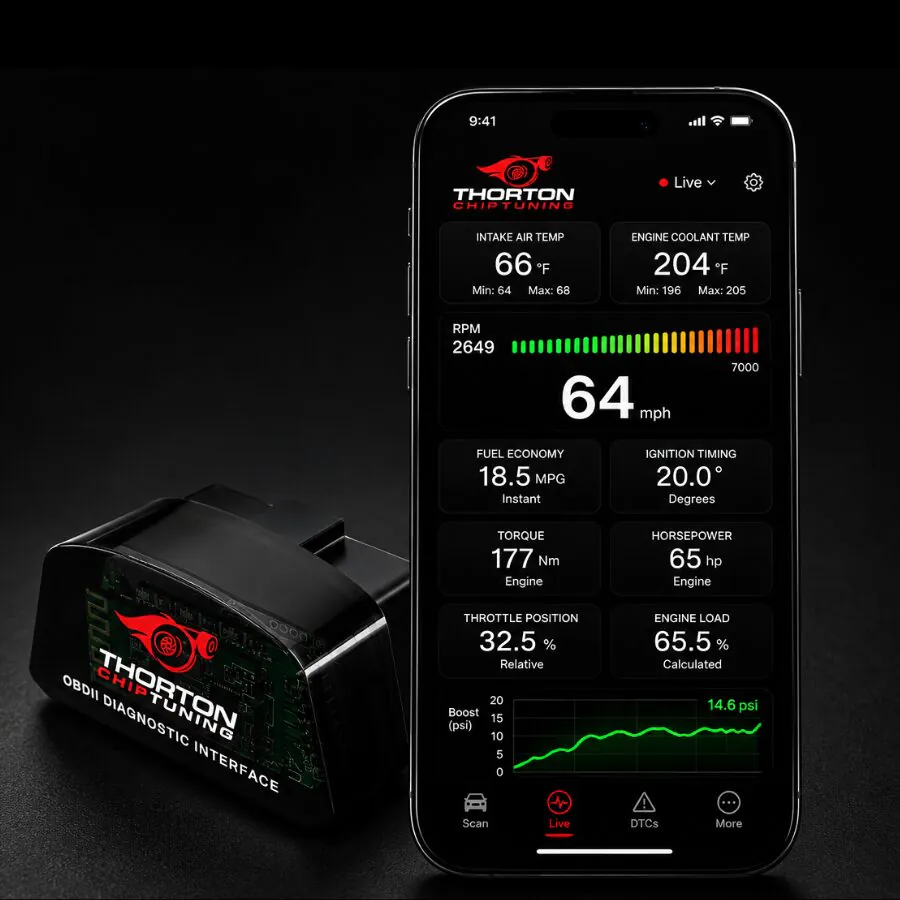
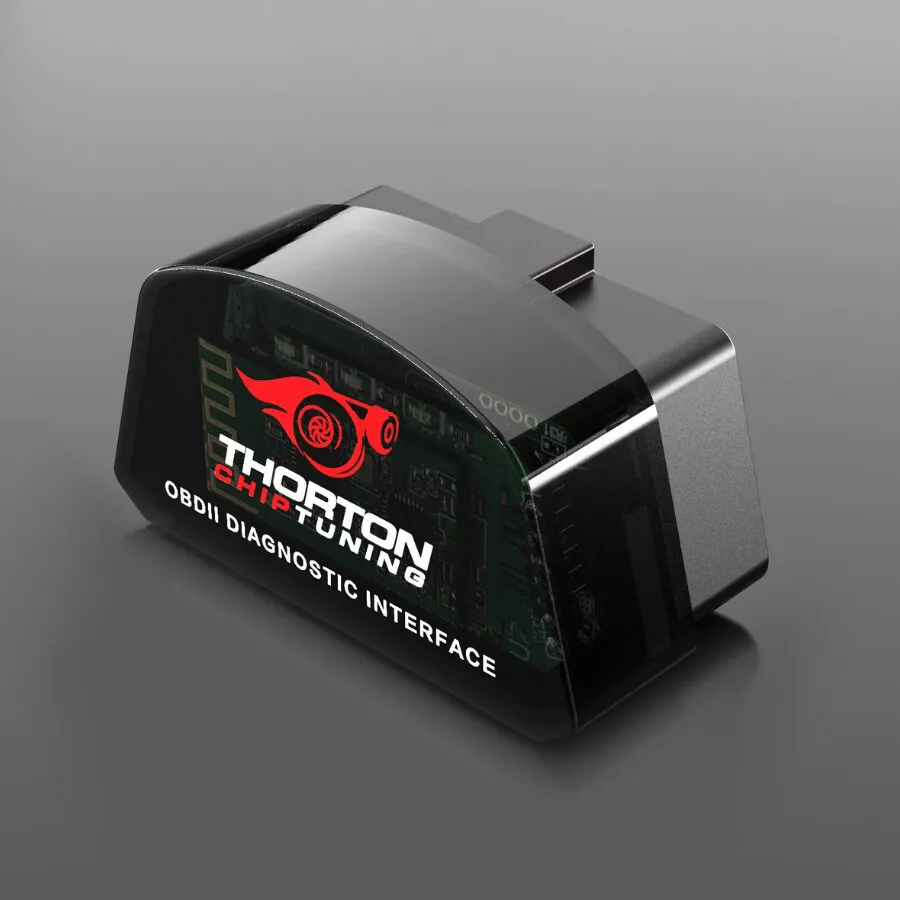
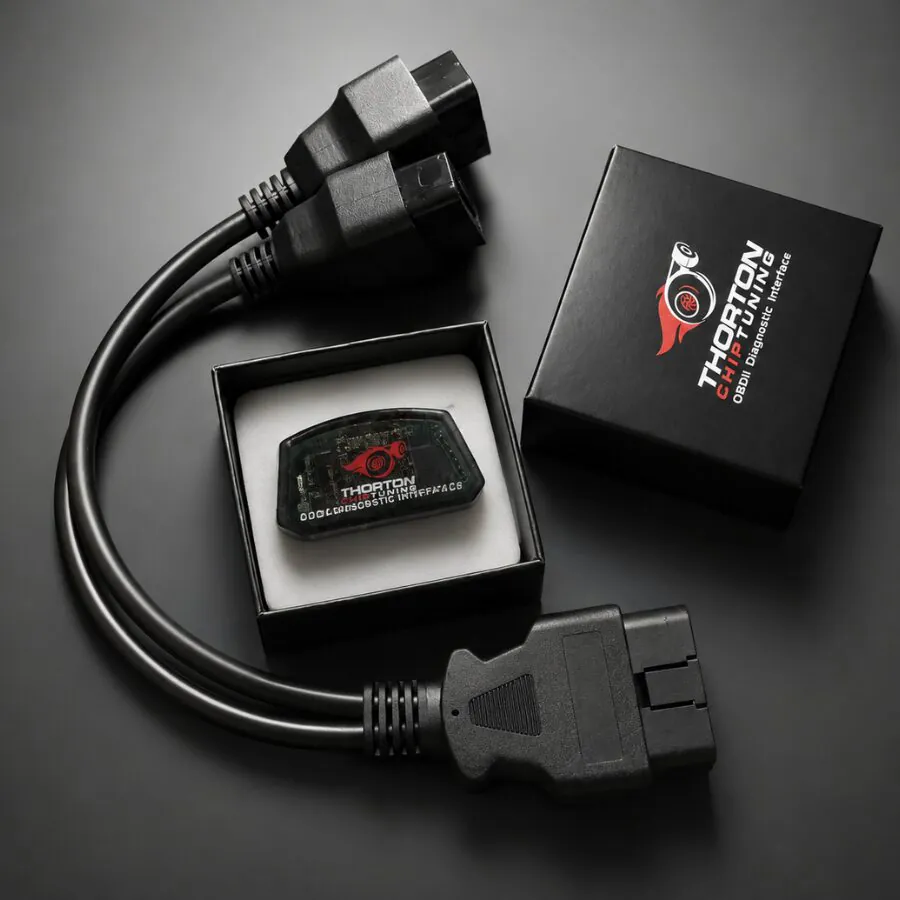

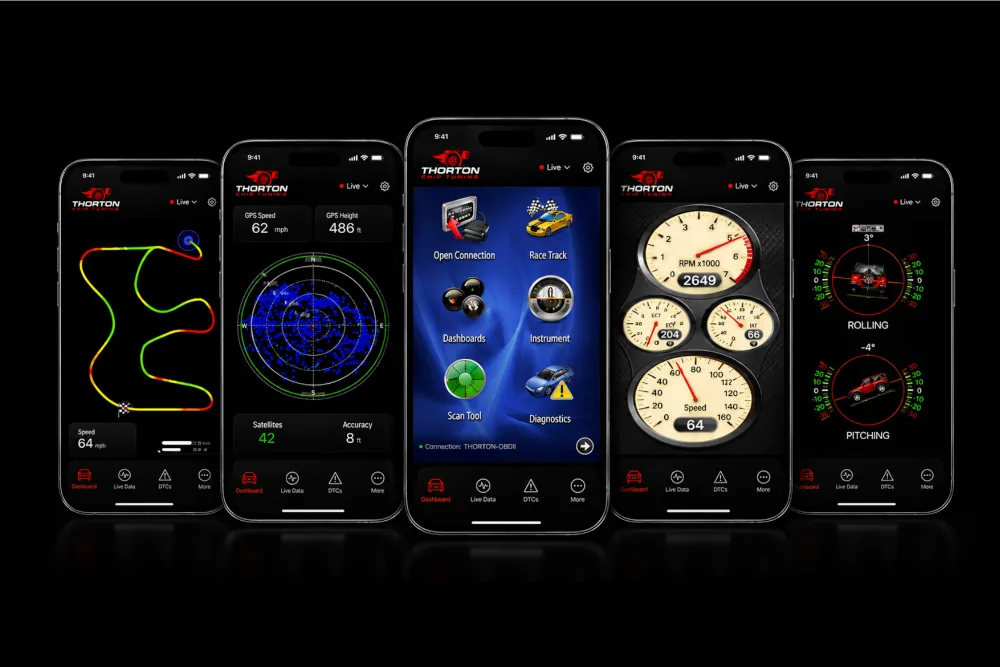
The companion to your Thorton chip. See real performance gains, monitor engine health and diagnose issues from your phone.
$59.95 on its own. The $10 comes off automatically when a Thorton Performance Chip is in the same order.